
Category: Business Central
-
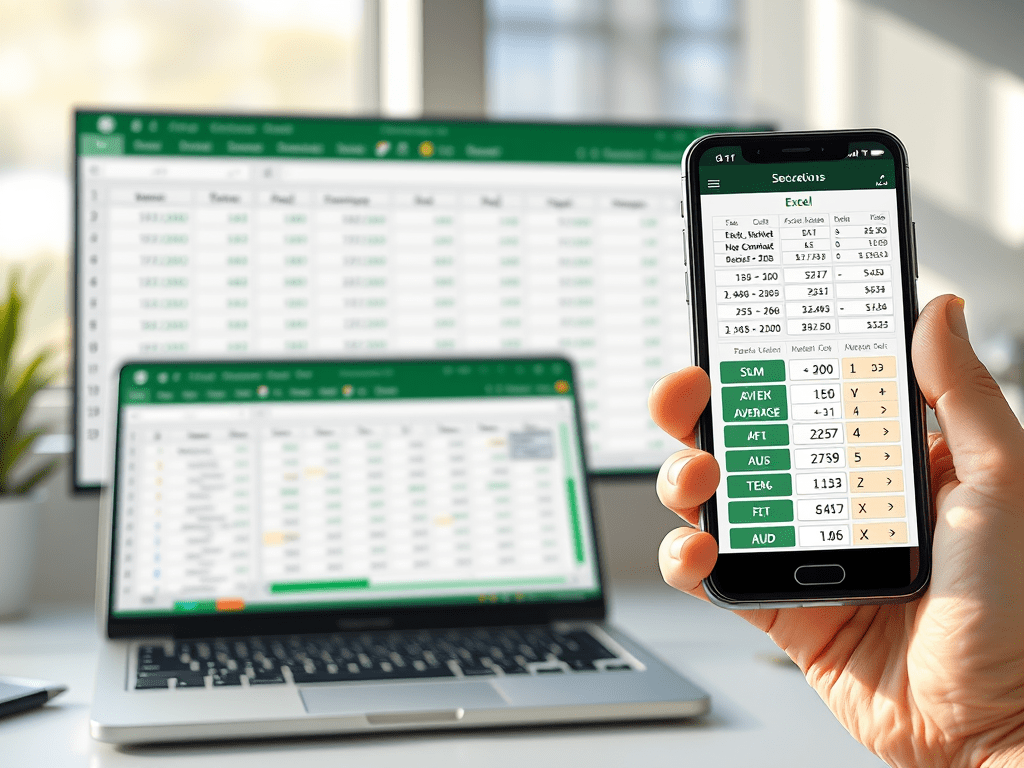
Master Simple Calculations in Excel: Desktop and Mobile
Introduction:Excel is a powerful tool for performing calculations, whether you’re tracking expenses, creating reports, or analyzing data. This guide will walk you through essential calculation techniques in Excel, both on desktop and mobile. By the end, you’ll know how to add, subtract, multiply, divide, and use simple functions in Excel. This makes it easy to…
-

Excel Tips: Efficiently Insert, Delete, and Copy Cells
Inserting, deleting, and copying cells is fundamental in Excel management. These actions allow you to organize data. They also help to adjust and duplicate it efficiently. Here’s a comprehensive guide. It shows how to insert, delete, and copy cells in Excel. These actions keep your worksheets flexible and well-organized. Excel Cell Management: Insert, Delete, and…
-

Essential Excel Formatting Tips for Data Presentation
Cell typing and formatting are fundamental Excel skills. They allow you to customize your spreadsheets for better readability. This also improves data presentation. Here’s a guide to understanding cell typing and formatting in Excel, whether you’re a beginner or a seasoned user. Cell Typing and Formatting in Excel Excel cells are where all the action…
-

Create Excel Files on Desktop & Android Devices
Creating an Excel file is a simple yet crucial skill for organizing data, managing tasks, and even performing complex calculations. Let’s review the steps to create an Excel file on a desktop. You can use either Excel software or the web version. We will also cover creating an Excel file on Android devices. Part 1:…
-

Excel Shortcuts: Unlock Time-Saving Techniques Today
Introduction Microsoft Excel is a robust tool for data management, but to truly unlock its potential, mastering keyboard shortcuts is key. Shortcuts can save you time and make your workflow smoother, especially when dealing with large datasets. If you want to enhance your Excel skills beyond the basics, consider adding some “wow” factor. Here are…
 LK Techs