
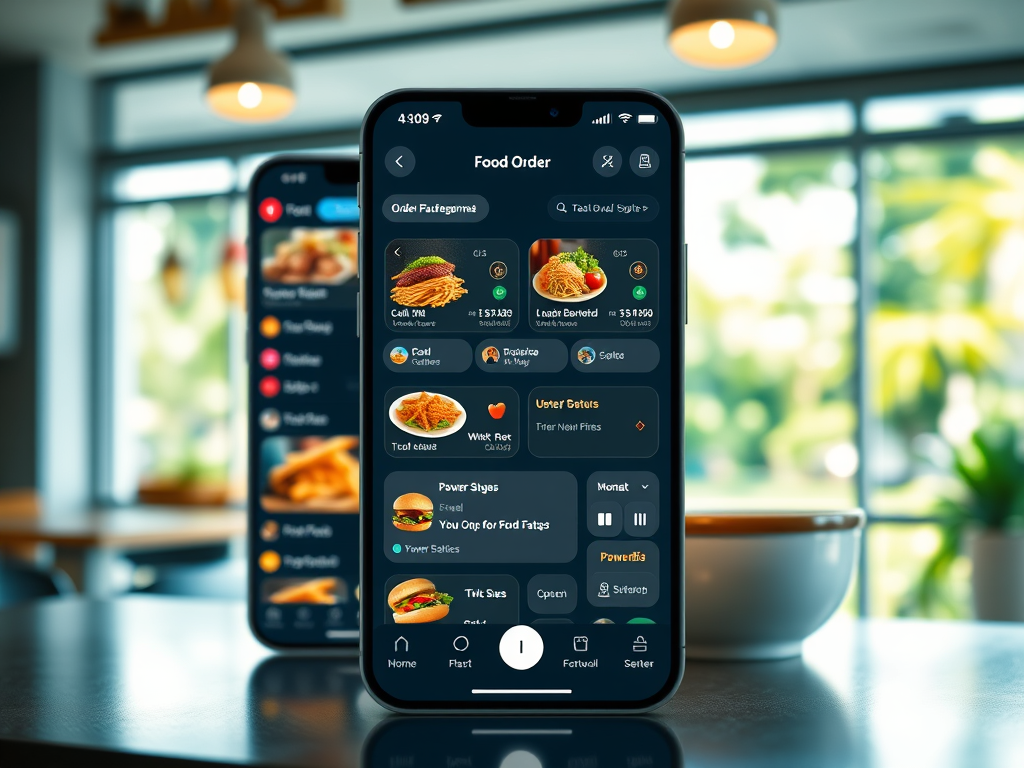
In today’s fast-paced dining experience, technology plays a vital role in enhancing efficiency, customer satisfaction, and business insights. With Microsoft Power Platform, you can build a complete Food Order Management App..! In this blog, I’ll guide you on using Power Apps, Power Automate, and Power BI. We’ll also explore how Dataverse (or SharePoint Lists) can streamline a food ordering system. This is particularly useful for small to mid-sized restaurants or food stalls.
🔧 Key Features We Will Cover:
- Displaying menus to customers
- Taking and managing food orders
- Notifying customers when orders are ready
- Costing and profit management
- Business dashboards (daily customers, top-selling items, reviews)
Let’s dive into the components and functionality of this powerful solution.
📱 1. Displaying the Menu with Power Apps
We start with a customer-facing canvas app built using Power Apps. The menu is dynamic and categorized (e.g., starters, mains, beverages, desserts). You can store the menu data in Dataverse or SharePoint, including fields such as:
- Item Name
- Category
- Price
- Description
- Image URL
- Availability (Yes/No)
Customers can browse, filter, and search menu items with an intuitive interface. When they tap an item, it is added to a cart. The cart is managed via collections or by patching records to a temporary table.
🧾 2. Taking Orders
Once a customer is ready, they can review their cart and submit the order. Power Apps captures:
- Customer Name / Phone (optional)
- Selected Items
- Quantities
- Total Amount
- Order Time
- Status: “Pending,” “In Progress,” “Ready,” “Delivered”
This order data is stored in Dataverse or a SharePoint list. Staff members use a separate admin app to see incoming orders. Alternatively, they may use the same app with different permissions. They change the order status as needed.
📲 3. Customer Notification with Power Automate
The order status is updated to “Ready” in the backend. Once updated, a Power Automate flow is triggered. The flow can:
- Send a push notification via the Power Apps mobile app
- Or send an SMS/email to the customer using a connector like Twilio or Outlook
This reduces wait times and enhances the customer experience.
💰 4. Costing and Profit Tracking
To manage profitability, each menu item record can also include:
- Cost Price
- Selling Price
Power Apps or Power BI can use these values to calculate:
- Profit per order
- Daily/weekly/monthly profit margins
- Inventory cost impact
An additional screen in the admin app can display cumulative and comparative costing reports.
📊 5. Power BI Dashboards: Turn Data into Decisions
Power BI is integrated to visualize essential KPIs. Dashboards can include:
- 🧍♂️ Daily Number of Customers
- 🍛 Top 5 Ordered Food Items
- 💰 Total Revenue and Total Cost
- 📈 Profit Analysis (Daily/Weekly/Monthly)
- ⭐ Customer Ratings & Feedback
- 🗂️ Order Status Distribution (Pending, Ready, Delivered)
These dashboards can be embedded in a model-driven app or shared via secure Power BI workspaces.
📋 6. Reports and Reviews
Collecting customer feedback is critical. After delivery, a Power Automate flow can send a quick survey link via Microsoft Forms or Adaptive Cards in Teams. Responses are stored and visualized in Power BI to improve food quality and service.
📦 Data Model Overview
Here are the key tables/entities:
- Menu Items (ID, Name, Category, Price, Cost, ImageURL)
- Orders (OrderID, Customer Info, Status, Timestamp, Total)
- Order Details (OrderID, MenuItemID, Quantity)
- Customer Feedback (OrderID, Rating, Comments)
🔐 Security and Roles
Using role-based security in Power Apps, restaurant staff have access to manage and update orders. Customers only interact with the menu and their own orders. Admins can view reports and dashboards.
🚀 Final Thoughts
With the Microsoft Power Platform, building an end-to-end Food Order Management app is possible. This app is scalable. It is maintainable. It is also user-friendly. Whether you’re a local food stall or a restaurant chain, these low-code tools help you digitize operations. They improve service quality. These tools drive data-backed decisions.
Have questions or want to try building it? Drop a comment or reach out—happy to help you cook up your first app! 🍽️
 LK Techs
Leave a Reply