Garment manufacturers and suppliers are required to implement customer or brand policies, procedures, and certifications that focus on social, safety, environmental, and quality standards to secure orders. These policies often include:
- Conducting self-assessments based on buyer policies and procedures.
- Hosting buyer or certification body audits.
- Maintaining a cycle of yearly audits to retain certifications and meet compliance standards.
Internal audits have become increasingly important to maintain good scores with buyers and certification bodies. Conducted every two to three months, these audits help ensure that documents are up to date and standards are consistently met.
Who Conducts the Audits?
- Self-Assessments: Performed by safety officers, welfare officers, compliance officers, or middle management.
- Internal Audits: Carried out by senior management, internal auditors, or compliance managers.
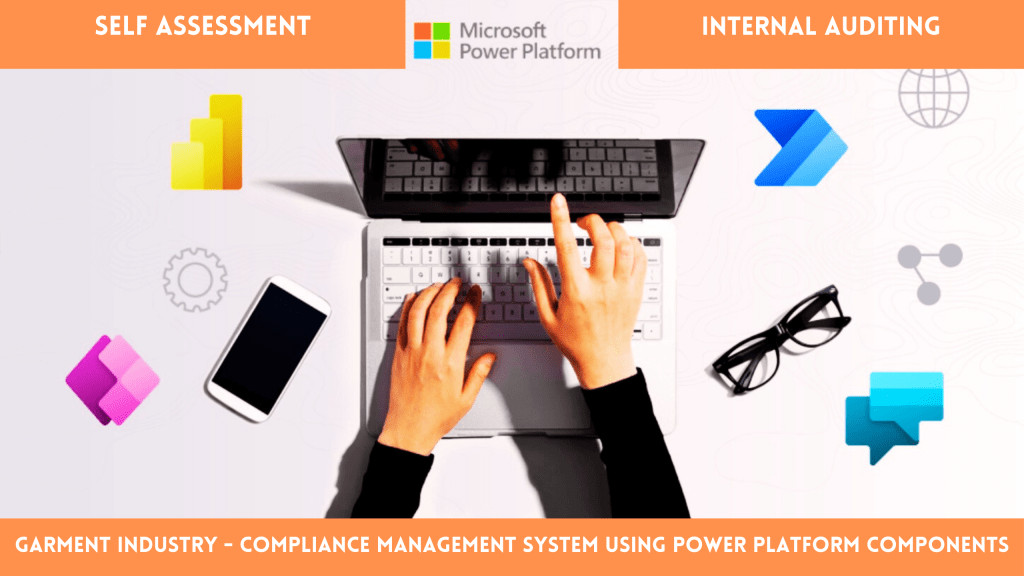
In this blog, we will explore how to build an efficient system for self-assessments and internal audits using Microsoft Power Platform, leveraging its components—Power Apps, Power Automate, and Power BI—for seamless data management, automation, and reporting.
Creating an Assessment and Auditing System Using Power Platform
Why Use Power Platform? Microsoft Power Platform provides a low-code environment to:
- Build custom apps (Power Apps): Simplify self-assessments and audits with easy-to-use interfaces.
- Automate notifications and workflows (Power Automate): Ensure timely reminders and escalations.
- Visualize data (Power BI): Gain actionable insights through interactive dashboards.
This approach ensures scalability, flexibility, and integration with existing Microsoft 365 tools.
A.Define the Assessment and Audit Process
- Employees perform a self-assessment based on buyer or brand requirements.
- Internal auditors review the same criteria and document their findings.
- A centralized system stores all data for analysis and follow-up actions.
B.Build the Self-Assessment App in Power Apps
- Create a Canvas App:
- Open Power Apps and select Canvas App.
- Design a user-friendly form interface for employees to fill out their self-assessments.
- Design the Form:
- Include controls like dropdowns, toggles, text inputs, and ratings.
- Group questions into categories such as Safety, Compliance, and Quality.
- Connect to a Data Source:
- Store responses in Dataverse, SharePoint, or Excel.
- Set up a table or list to capture employee names, responses, and timestamps.
- Publish and Share:
- Publish the app and share it with employees for self-assessment submissions.
C. Create an Internal Audit App for Auditors
- Duplicate the Self-Assessment App:
- Copy the Canvas App and modify it for internal audit use.
- Enhance with Audit-Specific Features:
- Add fields for auditor comments, scores, and “Audit Status” (Pass/Fail).
- Include filtering options to review completed self-assessments.
- Role-Based Security:
- Implement role-based security in Dataverse to restrict access appropriately for auditors and employees.
D. Automate Notifications and Workflows with Power Automate
- Send Reminders:
- Create a flow to send periodic email reminders for completing self-assessments.
- Notify Auditors:
- Trigger notifications to internal auditors when a self-assessment is submitted.
- Escalation Workflow:
- Escalate incomplete assessments or unresolved audit findings to supervisors.
E.Visualize Data with Power BI
- Connect to the Data Source:
- Use Power BI to connect to Dataverse or SharePoint lists.
- Create Dashboards:
- Track key metrics, such as:
- Self-assessment completion rates.
- Internal audit scores by department or category.
- Trends over time.
- Track key metrics, such as:
- Embed Reports:
- Share dashboards via Teams or SharePoint for stakeholders to access insights easily.
F. Iterate and Improve
Gather feedback from employees and auditors to refine the system. Regularly update forms, workflows, and reports to address changing requirements and enhance user experience.
Benefits of Power Platform for Compliance and Technical Auditing
- Centralized Data Management: Store all responses securely in one location.
- Automation: Reduce manual effort with automated workflows and reminders.
- Real-Time Insights: Monitor performance and compliance trends through dashboards.
- Scalability: Adapt the system for different departments or industry standards.
Conclusion
Implementing an assessment and auditing system using Power Platform can transform compliance and audit management in garment manufacturing. By combining Power Apps, Power Automate, and Power BI, you can ensure consistency, improve efficiency, and maintain high compliance standards to secure orders from buyers and certification bodies.
Start your journey with Power Platform today and stay ahead in compliance management!
 LK Techs
Leave a Reply