
Welcome to the blog…!
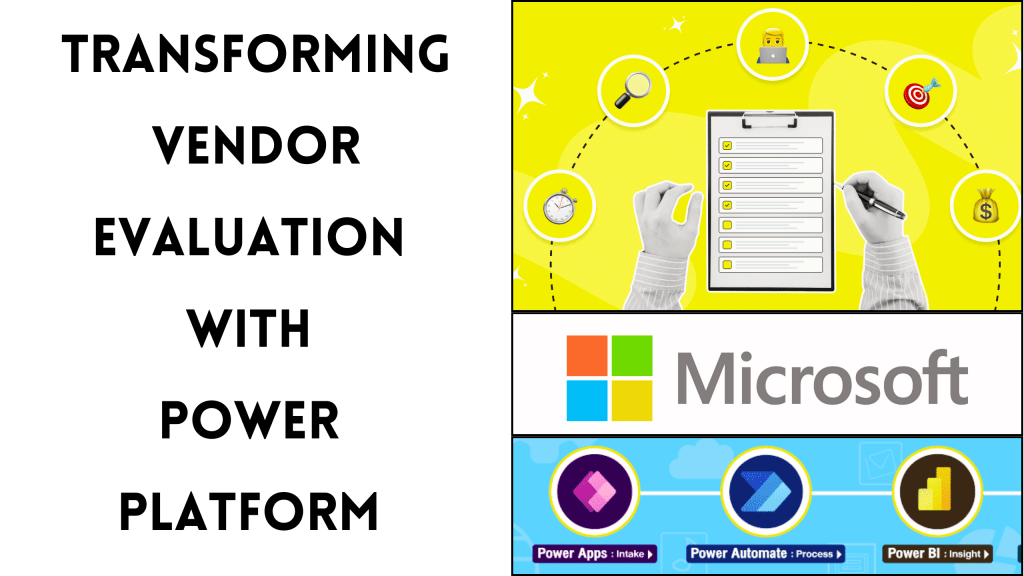
Let’s first understand what Vendor Evaluation is. Before diving into the specifics of how the Power Platform can transform vendor evaluation. It’s important to know why it’s so important.
In today’s highly competitive business environment, companies rely on a vast network of vendors. These vendors supply products and services that are critical to their operations. But, not all vendors deliver the same level of quality, cost-efficiency, or reliability. Vendor Evaluation is a process. Businesses assess their vendors based on key factors like price. They also consider product quality, on-time delivery, customer support, and safety measures.
Effective vendor evaluation helps businesses choose partners that align with their operational goals and standards. It ensures that they keep high-quality products. They meet delivery timelines. They also keep costs under control. All of these factors are essential for maintaining a competitive edge in the marketplace. But as businesses grow, the manual management of vendor evaluation data becomes time-consuming and prone to error. This is where the Power Platform comes in. It offers a digital solution to automate, streamline, and enhance the vendor evaluation process.
Evaluation Criteria:
These criteria are not only used to evaluate the vendors; based on business requirements, they are liable to change.
Price: Evaluating the cost-effectiveness of the vendor’s offerings compared to others in the market. Price should show the value delivered without compromising quality.
Quality of Product: Assessing the consistency and standards of the products provided. We confirm they meet required specifications. This prevents production issues.
On-Time Delivery: It measures the vendor’s reliability in delivering goods within the agreed timeline. This is crucial for maintaining smooth operations and avoiding delays.
Customer Support: Evaluating the responsiveness and helpfulness of the vendor’s customer service team in resolving issues or answering queries promptly.
Material Commuting Cost: Analyze the cost of transporting materials. Consider the distance from the vendor’s location to your facility. Include logistics and other transportation-related expenses.
Safety Measures: The vendor must follow necessary safety protocols during production. This ensures safety during transportation. These measures reduce the risk of accidents, product defects, or compliance violations.
Goods Return: Monitoring how often products are returned due to defects or incorrect deliveries. Evaluating how quickly and easily the vendor resolves these issues is also important. A high number of returns or slow resolution can affect your operations, so it’s important to check this closely.
Use Case:
To understand the evaluation process, we will take an example company called LK Fashion. This is not a real company. LK Fashion wants to implement a vendor evaluation process as part of its buyer requirements. LK Fashion’s management has decided to design the solution in-house instead of purchasing readily available products.
Let’s Help LK Fashion to Gather Data for Vendor Evaluation:
Data Source for Vendor Evaluation:
Price: Extract from the invoice linked to each Purchase order – ERP.
Quality of Product: Gather from the inspection report conducted upon goods receipt, based on the purchase order – Manual Report.
On-Time Delivery: Compare the product in-housing date with the expected delivery date on the purchase order – ERP.
Customer Support: Use data from a ticket-raising email that logs support issues and their resolution – not a formatted Mail.
Material Commuting Cost: Record from the transportation or logistics cost mentioned in the invoice – ERP.
Safety Measures: Obtain from audits conducted on the vendor’s workplace and adherence to safety SOPs – Manual Report.
Goods Return: Collect from the return shipment records, including reasons for the return (e.g., defective or incorrect items) – ERP.
Let’s Deep Dive into the Solution:
Manual Reports to Power Application:
As LK Fashion already has available data except for manual reports like the Safety Measures audit report, Inspection report, and Customer Support mail:
Safety Measures Report: Managed by Auditors.
Inspection Report: Handled by QA & QC in the warehouse and store.
Customer Support: Managed by Sourcing Executives.
We will digitize the manual reports into a Power Application. Specifically, we will use a Canvas App that includes photo capturing facilities. This will document audit failure points, inspection approvals, and customer support evidence. Data will be stored in customized Dataverse tables with business rules and calculation fields to fulfill the requirements.
SQL Data Modeling:
LK Fashion has other data like price, on-time delivery, extra costs, and goods return in the ERP. We will integrate this data using a SQL intermediate table. This will build a common data model with primary keys and mandatory required fields. We need these for evaluation as source data is available in multiple tables. A daily scheduled job queue will load the data into the SQL destination table.
Power BI Dashboard & Report:
Once the source data is ready, we’ll connect the SQL and Dataverse destination tables to Power BI Desktop. We will transform and clean the data if required. Then, we will create the reports.
Building the Dashboard:
Import Data: Load the integrated data from both SQL and Dataverse into Power BI.
Transform Data: Use Power Query Editor for any necessary data transformation (removing unnecessary columns, creating calculated columns, etc.).
Create Relationships: Set up relationships between tables to guarantee precise data analysis.
Design Visuals: Add various visualizations (bar charts, line graphs, tables) to represent the evaluation criteria and key performance indicators.
Add Interactivity: Implement filters, slicers, and drill-through capabilities for an interactive user experience.
Publish the Dashboard: Once the dashboard is complete, publish it to the Power BI Service for sharing with stakeholders.
Automation Features:
Scheduled Refresh: Set up a scheduled refresh in Power BI Service to keep the data up-to-date automatically.
Alerts and Notifications: Create alerts for key metrics (e.g., if on-time delivery drops below a certain threshold) to guarantee prompt responses to issues.
User Access Control: Manage user permissions and access levels in the Power BI Service. This ensures sensitive data is only available to authorized personnel.
Conclusion:
By leveraging the Power Platform, LK Fashion can streamline its vendor evaluation process. It can reduce manual errors and enhance data visibility through interactive dashboards. This digital transformation aids in making informed decisions. It also fosters stronger relationships with vendors. Ultimately, it drives business success.
 LK Techs
Leave a Reply